
Features & Apps
NuxPanel ships as a desktop of focused apps. Each one maps to a real server capability and shells out to the real tools underneath.
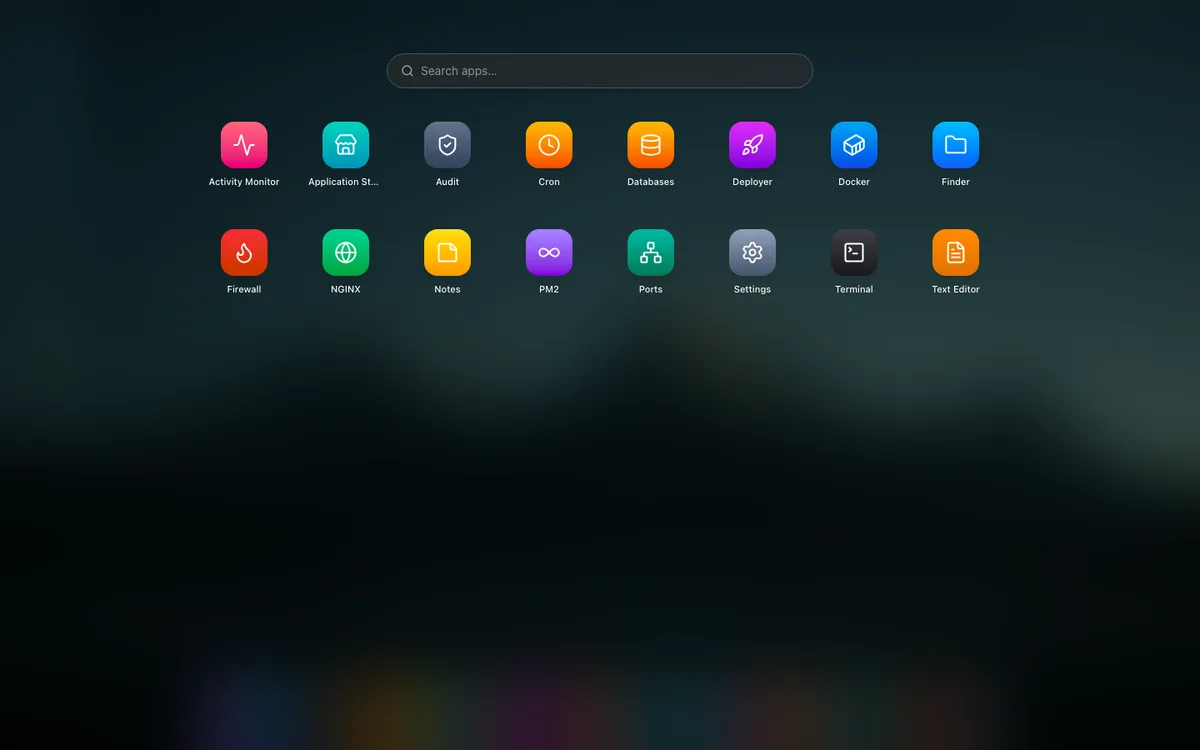
The apps
- Finder — browse, edit, zip, upload, and download files.
- Terminal — a real PTY shell in the browser.
- Text Editor — edit config and code with backups.
- Notes — sandboxed runbooks and checklists.
- Application Store — detect and install Docker, NGINX, PM2, etc.
- Activity Monitor — live CPU/memory/network and process control.
- Deployer — Git/zip → build → run → expose → SSL.
- Databases — run and back up Postgres/MySQL/Mongo via Docker.
- Docker — containers, images, volumes, Compose.
- NGINX & PM2 — web server and Node process control.
- Cron — visual cron job management.
- Ports — listening-socket inventory with one-click kill.
- Firewall — UFW rules with an SSH lock-out guard.
- Audit — command and system-log console.
- Settings — domain/SSL, OS updates, security.
- Linux Pilot — the embedded AI assistant.